






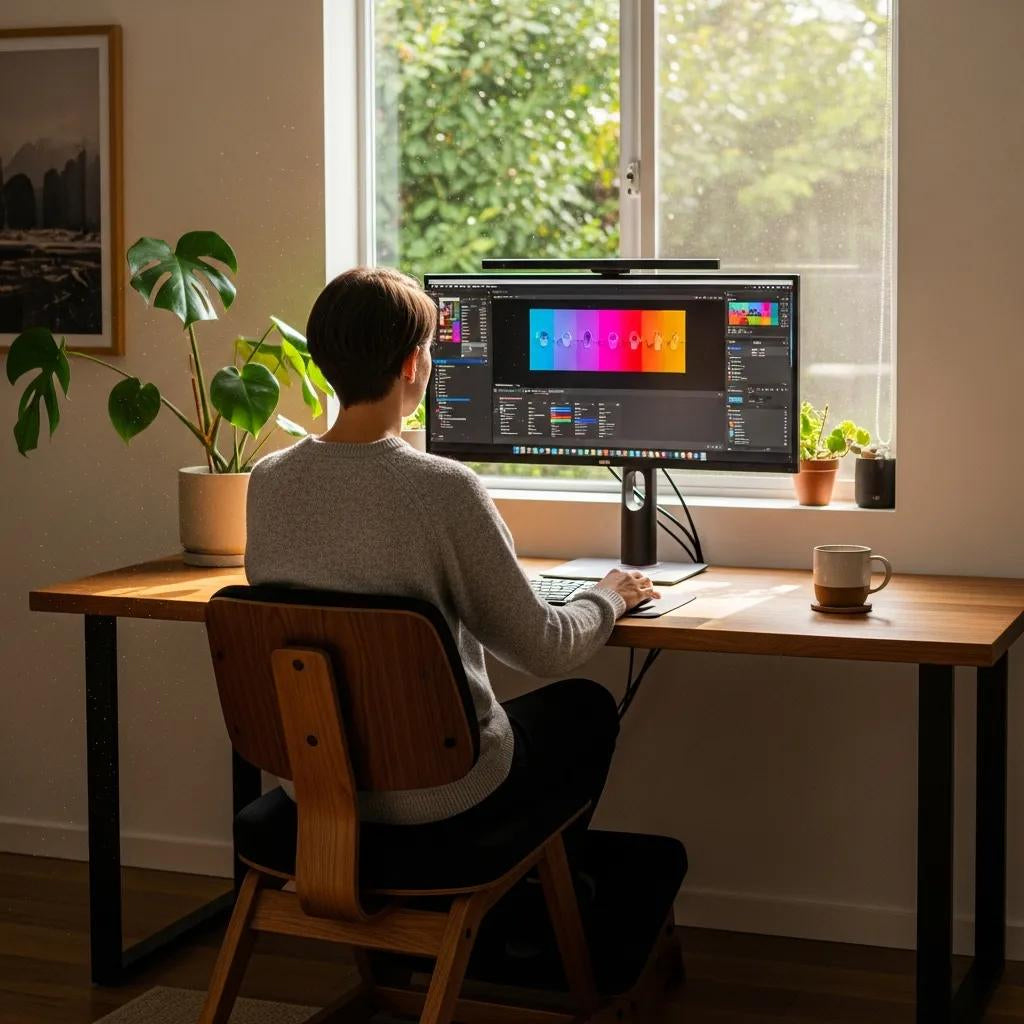
How to choose the best ergonomic kneeling chair for your home office
A kneeling chair is a specialised ergonomic seat that shifts your weight forward to open the hip angle and support a more neutral spine. In practice, this helps improve posture and can reduce strain on the lower back. This guide explains how kneeling chairs work for home office use, what benefits and compromises to expect, and the key features to prioritise when choosing a model. Many people who work from home struggle with slouching and lower-back discomfort due to long hours spent in a conventional chair; a well-chosen kneeling chair offers an active sitting and gentle core engagement as a practical alternative. You’ll find clear explanations of how kneeling chairs help posture and back pain, the main types on the market, and a checklist of adjustability, materials and desk-compatibility factors to compare. We also cover wooden, rocking, and adjustable designs, as well as step-by-step setup, a progressive use plan, and answers to common questions about daily use and suitability.
What is a kneeling chair, and how does it improve posture?
A kneeling chair is an ergonomic seat that places the hips ahead of the knees so the torso tilts slightly forward. That forward tilt redistributes weight away from the lower discs and encourages the pelvis to tip anteriorly, helping the spine maintain a neutral curve. By opening the hip angle and asking the core muscles to help balance, the chair produces an “active sitting” effect that’s different to the static slouch of many office chairs. This basic understanding shows why kneeling chairs are often recommended for home office ergonomics.
Kneeling chairs share a few core components—seat pad, knee pad and an adjustable frame—that determine comfort and function. Unlike a conventional chair that relies on a backrest for support, a kneeling chair asks your muscles to contribute to posture, which is why correct setup and movement variation matter. The next section explains how active sitting can ease back pain and which ergonomic features to prioritise.
How does a kneeling chair promote active sitting and back pain relief?

Active sitting on a kneeling chair changes spinal mechanics: the forward pelvic tilt increases lumbar lordosis to a healthier curve and reduces posterior disc compression. That shift redistributes pressure away from the lower lumbar segments and engages abdominal and paraspinal muscles to help sustain posture. Many users report less lower-back ache after consistent, short-term use—especially when they alternate positions and follow a gradual adaptation plan. Practical experience and ergonomic advice suggest improvements are typically incremental and depend on correct setup plus regular movement throughout the day.
Active sitting isn’t a passive cure—its benefits rely on correct posture and gradual adaptation. To get the most from a kneeling chair, integrate position changes and short breaks into your routine. The next subsection lays out the ergonomic features that most influence comfort and usability, so you can pick a model that supports these great benefits.
What are the key ergonomic features of kneeling chairs?
Key features determine how well a kneeling chair supports posture, comfort and adjustability in a home office. Look for adjustable seat height and angle, contoured seat and knee pads with the right foam density, an optional backrest if you need extra support, frame materials that balance stiffness and flexibility, and mobility choices such as castors or a fixed base. These parts—seat pad, knee pad, adjustable frame and castors—directly affect performance and comfort.
- Adjustable height and angle: Let's you set a forward seat tilt that matches your hip‑to‑knee proportions.
- Seat and knee pad materials: Memory foam or high‑density foam spreads pressure; breathable fabric improves comfort during longer sessions.
- Frame and mobility: Sturdy steel or hardwood improves durability; castors add movement but can reduce base stability.
Choosing the right combination of these features helps the chair support active sitting and sustained comfort. The next section examines everyday benefits and potential drawbacks.
What are the benefits and drawbacks of using a kneeling chair?
Weighing pros and cons helps you decide if a kneeling chair fits your home office. Advantages include improved posture, greater core engagement and reduced lumbar loading. Common downsides are pressure on the knees, an initial adjustment period, and potential desk compatibility issues. Many complaints come from incorrect setup or trying to use a kneeling chair all day too soon. Understanding both sides lets you apply mitigation strategies—better padding, alternating positions and checking desk fit—so the chair becomes part of a broader ergonomic plan that includes movement and alternate seating.
Here’s a concise pros‑and‑cons summary for quick reference.
- Pros: Improved posture: Encourages a neutral spine and reduces slouching.Core engagement: Active sitting recruits core muscles and can improve postural support.Reduced lumbar loading: Forward weight distribution lessens pressure on lower back discs.
- Cons: Knee and shin pressure: Long sessions may irritate the kneecaps or shins without sufficient padding.Adaptation period: You usually need to build up sitting time gradually.Desk compatibility: Some desks may need height adjustments to fit comfortably.
These points suggest practical fixes—add padding, alternate seats, and confirm desk clearance—which the following sections expand on in terms of posture support and discomfort reduction.
How does a kneeling chair support posture and core strength?
A kneeling chair encourages a forward pelvic tilt that increases lumbar lordosis and helps align the head over the shoulders, reducing compensatory rounding in the thoracic spine. This position recruits deep core stabilisers—like the transverse abdominis and multifidus—to help maintain an upright posture. Over time, and with varied movement, that functional engagement can make it easier to sit upright during focused work. Simple posture checks—ear over shoulder, shoulder over hip—help you verify alignment and fine‑tune the chair.
Active engagement matters because prolonged sitting can fatigue deep trunk muscles and reduce spinal support. Core-strengthening strategies can help counteract this effect.
Alternating between a kneeling chair and a conventional ergonomic chair keeps muscles active without overloading the knees. Pairing chair use with short core exercises can speed up strength gains that support better posture. The following subsection covers common discomforts and practical adjustments to reduce them.
What are potential discomforts, and how do you mitigate them?
Common issues include pressure on knees or shins, hip tightness from the altered angle, and initial muscle fatigue from increased core activity. To reduce these problems, start with 15–30 minute sessions and increase gradually, use extra padding or replaceable knee pads to spread pressure, and take regular mobility breaks that focus on hip‑flexor stretches. If the knee pad feels too firm, try thicker foam or a gel overlay; if the seat creates thigh pressure, tweak the seat angle or depth.
Longer‑term tactics include alternating seating positions, standing breaks, and watching for warning signs—numbness, sharp pain or persistent discomfort—that mean you should adjust or stop using the chair. Thoughtful setup and a gradual approach minimise common problems and let you benefit from the chair’s ergonomic advantages.
Which types of kneeling chairs are best for home office use?

Your ideal kneeling chair depends on priorities like looks, adjustability, movement and budget. The main categories are wooden kneeling chairs (simple, durable, visually warm), rocking kneeling chairs (allow dynamic movement and micro‑adjustments), and adjustable metal‑frame kneeling chairs (highly tunable and accessory‑friendly). Match the type to your workspace and work style to ensure desk compatibility and lasting comfort. The table below compares these types for durability, adjustability, comfort and maintenance to help you choose.
Different kneeling chair styles suit different home‑office priorities:
| Type | Durability | Adjustability | Comfort | Maintenance |
|---|---|---|---|---|
| Wooden kneeling chair | High | Low | Moderate (depends on padding) | Low (periodic polishing) |
| Rocking kneeling chair | Moderate | Medium | High (movement aids comfort) | Medium (joint checks) |
| Adjustable metal-frame chair | High | High | High (custom tuning) | Medium (cleaning cushions) |
This comparison shows that adjustable metal‑frame chairs offer the most tuning for ergonomic fit, while wooden options prioritise aesthetics and long life. The next subsection breaks down how materials and movement affect performance.
What are the differences between wooden, rocking, and adjustable kneeling chairs?
Wooden kneeling chairs deliver a minimalist, sturdy look but usually have limited height or angle adjustments—they suit users who value durability and a natural finish. Rocking kneeling chairs add a curved base or flexible joints that allow subtle movement, helping users who benefit from micro‑shifts. Adjustable metal‑frame chairs typically offer a broader range of motion, caster choices and sometimes backrests, making them more adaptable to varied body types and desk setups.
Each style has trade‑offs: wooden chairs can feel rigid for some, rocking models rely on trunk stability to make movement beneficial, and highly adjustable chairs offer more customisation to meet ergonomic needs. Weigh these differences against your posture goals and home‑office setup. The next subsection explains how Terra Wellness frames its kneeling chair offering.
How does the Terra Wellness ergonomic kneeling chair stand out?
Terra Wellness offers an Ergonomic Kneeling Chair within our Ergonomic Accessories range, designed for a holistic approach to workplace health. It’s built to support posture with comfortable padding and a thoughtful design that fits wellness‑focused home offices. The chair’s focus on posture support, comfort‑first materials, and clean aesthetic aligns with the buyer priorities discussed earlier—durability, adjustability and integration with a healthy work routine.
Positioned alongside other wellness accessories, our kneeling chair is a practical option for people who want ergonomic performance delivered with a holistic health mindset. Use the earlier comparisons and the spec table to decide whether this approach suits your home‑office needs.
What key features should you consider when choosing a kneeling chair?
When picking a kneeling chair, prioritise adjustability, materials and comfort, plus mobility, weight capacity and desk compatibility. Adjustability ranges, knee pad materials and seat density determine whether the chair fits your body and work patterns. Reviewing these categories helps you compare models side‑by‑side and practically test them.
Below is a quick spec table that makes these considerations measurable when comparing models before purchase.
| Feature | Attribute | Typical Value / Note |
|---|---|---|
| Adjustable height | Range | 45–60 cm from floor to seat (varies by design) |
| Seat pad material | Type | High-density foam or memory foam for pressure distribution |
| Knee pad | Material | Closed-cell foam or gel overlay for comfort |
| Frame | Material | Steel or hardwood for durability and stability |
| Mobility | Option | Fixed base or castors; choose based on desk type |
Use this spec table as a reference when evaluating models against your ergonomic needs. The following sections explain why these features matter and how they affect usability.
Why are adjustability, materials and comfort essential?
Adjustability lets you tune the chair to your proportions so the pelvis tilts correctly and weight distributes evenly—without the right tilt or height, the posture benefits won’t materialise. Materials matter because seat and knee pad composition (memory foam for pressure relief versus firmer foam for stability) directly affect comfort and pressure points during active sitting. For quick comfort checks, review seat depth and knee‑pad shape, sit for 5–10 minutes in a working posture, and confirm the forward tilt supports a neutral spine without excessive knee strain.
- Adjustability checklist: Make sure the height and tilt range suit your leg length and desk height.
- Material considerations: Choose breathable covers and replaceable pads for easy maintenance.
- Comfort tests: Try short sessions and watch for pressure on knees and thighs.
These practical checks make it easier to choose a model that supports the ergonomic mechanics discussed earlier. The next subsection covers mobility, weight capacity and desk compatibility.
How important are mobility, weight capacity, and desk compatibility?
Mobility features and weight capacity determine whether a kneeling chair fits your workflow and safely supports your body. Castors make movement easy, while a fixed base can feel more stable for focused tasks. A sensible rule is to choose a chair with a weight capacity at least 20% higher than your body weight to allow for movement and accessories. Desk compatibility is about clearance—measure from the floor to the underside of your desk to ensure the forward seat and knee supports fit comfortably.
- Desk clearance tip: Measure under‑desk height and compare it with the chair’s forward profile before you buy.
- Weight capacity rule: Add a 20% buffer to your body weight when checking specs.
- Mobility choice: Pick castors if you need to move often; choose a fixed base for more stability during concentrated work.
Confirming these attributes prevents common compatibility problems and helps the chair integrate smoothly into your home office.
How do you properly use and set up a kneeling chair for your home office?
Correct setup and gradual use are essential to get ergonomic benefits and avoid strain. Start by setting the seat height so your hips are slightly above your knees and the forward tilt creates a neutral lumbar curve. Position the chair so your forearms rest comfortably on the desk with elbows near 90 degrees and the top of your monitor at eye level—this keeps head and shoulder posture aligned and avoids forward head carriage. Use a progressive schedule and alternate positions to reduce knee pressure and build core conditioning over time.
Follow this quick step‑by‑step setup and usage plan for easy implementation.
- Initial adjustment: Set seat height and forward angle so hips sit slightly above knees and the pelvis tilts forward.
- Desk alignment: Adjust the desk or monitor so the screen top sits at eye level and forearms rest parallel to the floor.
- Progressive use: Start with 15–30 minute sessions, increasing by 10–15 minutes per day as tolerated.
- Movement breaks: Take 5–10 minute breaks every 30–45 minutes to stand, stretch hips and reset posture.
Following this setup helps you feel the posture benefits while lowering the chance of knee discomfort. The next sections give precise posture cues and desk‑adjustment tips.
What is the correct sitting posture on a kneeling chair?
Correct posture on a kneeling chair means a slight anterior pelvic tilt that supports a neutral lumbar spine, relaxed shoulders over the torso, and the head balanced over the spine. Knees should rest comfortably on the pad without excessive pressure on the kneecaps; distribute weight across the shins and seat so no single point bears too much force. Common errors—leaning forward with rounded shoulders or hunching to reach the desk—undermine the chair’s benefits. Regular self‑checks, like making sure your ears align with your shoulders and shoulders align with your hips, help you stay aligned during work.
If your posture drifts, stand and do a short hip‑flexor and chest‑opening stretch before returning to the chair; this resets your alignment and eases tension.
How should you adjust your desk and take breaks?
Desk adjustments and regular breaks amplify the kneeling chair’s benefits—keep the monitor top at eye level and the keyboard positioned so wrists remain neutral. Check desk clearance to make sure the forward seat and knee pads fit beneath the desk without interference; common fixes include using a monitor riser or raising the desk slightly. Follow a progressive break plan: start with 15–30 minute kneeling intervals, then alternate with standing or a conventional chair in 30–45 minute cycles as your tolerance builds.
- Progressive schedule: Begin with 15–30 minutes kneeling, add 10–15 minutes daily until you reach 1–2 hours total per day.
- Break activities: Stand, walk briefly and do hip and hamstring stretches to relieve tension.
- Desk tweaks: Use monitor risers or an adjustable desk to fine‑tune alignment.
These desk and break habits protect your knees and reinforce the posture gains from correct kneeling‑chair use. For more product options and resources that support ergonomic home offices, see the Terra Wellness ergonomic accessories range mentioned earlier.
What are the most common questions about kneeling chairs?
Below are clear answers to frequently asked questions to help you decide if a kneeling chair suits your home office and how to use one safely. Each answer is concise and points to related sections for more detail.
Are kneeling chairs good for your back and posture?
Yes—when used correctly and as part of a varied seating strategy, kneeling chairs can improve spinal alignment and reduce lower‑back strain by encouraging an anterior pelvic tilt and recruiting core stabilisers. They’re especially useful for people who tend to slump in conventional chairs or who want to introduce more active sitting. They aren’t a universal solution: people with certain knee conditions or those who need full back support may prefer other ergonomic seating. If you have specific medical concerns, check with a healthcare professional before changing your seating routine.
How long should you sit in a kneeling chair daily?
Start with short, progressive sessions so muscles and joints can adapt: 15–30 minutes per session, increasing by 10–15 minutes each day as comfort allows. Aim for a cumulative 1–2 hours per day once adapted, and alternate with standing or a conventional ergonomic chair every 30–45 minutes to avoid sustained pressure on the knees and shins. Reduce or stop use if you experience persistent numbness, sharp knee pain, or ongoing fatigue that doesn’t ease with breaks.